
Rain and Brown Noise for Deep Sleep
Brown noise covers the traffic and the boiler, and rain softens the sharper sounds inside the room.
- Brown Noise 65%
- Rain 38%
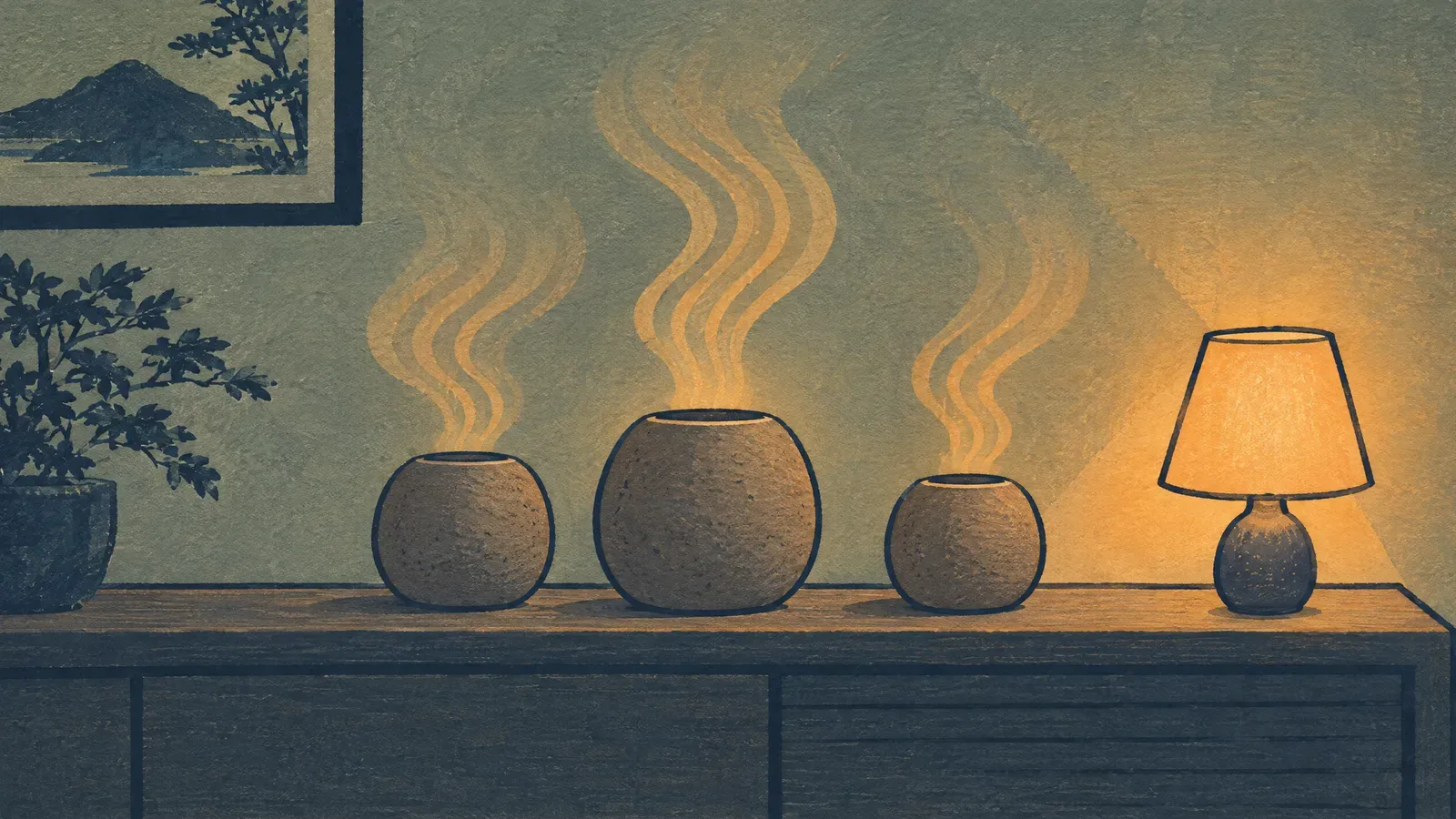
Brown noise is the deep rumble people put on when a truck idles outside or the boiler starts up, and every app below plays it. What differs is what sits around the sound, and what you pay for it.
Slo is a brown noise app for iPhone, Android and Mac with five brown noise recordings among 200+ sounds, 89 of them free, a mixer with a volume per layer, and a timer from 15 minutes to 24 hours that fades out before it stops. You can take the whole library on a monthly or yearly subscription, or buy it once for life. The rest comes down to what you want beside the noise. White Noise by TMSOFT gives you a traditional noise-machine app, Calm puts brown noise next to stories and meditation, Dark Noise suits Apple widgets and mixes, and Apple’s own Background Sounds is the quickest thing to reach on an iPhone, iPad or Mac.
| Pick | Best for | Free access | Paid model | Platforms | Offline | Mixing | Timer |
|---|---|---|---|---|---|---|---|
| Slo | Five brown noise recordings, layered | 89 of 200+ app sounds; all 180 browser sounds | Monthly, yearly or one-time lifetime | iPhone, Android, Mac; browser | Yes, after download in the app | Yes, any number of layers, a volume per layer, saved mixes | Yes, 15 minutes to 24 hours, fade-out up to 2 minutes |
| White Noise by TMSOFT | A classic noise-machine workflow | Lite edition, with ads | One-time Full and Pro | iPhone, iPad, Android, Mac, Windows | Yes, sounds play from the device | Mix Pad | Yes, with fade |
| Calm | Noise alongside guided sleep content | Selected Scenes and meditations | Premium subscription | iPhone, iPad, Android, web | Most sessions can be downloaded | No layer mixer | A duration you set for Scene sound |
| Dark Noise | Apple widgets, Shortcuts and custom mixes | 8 sounds and a fade-out timer | Dark Noise Pro in-app purchase | iPhone, iPad, Mac | Yes, sounds stored on the device | Pro only | Yes, with fade |
| Apple Background Sounds | No extra app on Apple devices | Included | None | iPhone, iPad, Mac, Apple Vision Pro | Not stated by Apple | No | Yes, from iOS 26 and macOS Tahoe |
We worked from each company’s own product pages, help center and US App Store or Google Play listing, read first on July 31, 2026 and checked again on September 13, 2026 for what you get free, what you pay, which devices it runs on, whether sound plays with no connection, and how mixing and timers work. The order below follows how much brown noise each app actually has, how quickly it starts, which controls you get, how many devices it covers and how clearly the company writes any of it down. We did not install the other four apps, so this compares what each company publishes, not how they sound in your room, and store terms move after we publish. Slo is ours, and its numbers come from the app source, version 3.132, as it stood on September 14, 2026. None of these apps can promise you better sleep.
On an iPhone you can start without installing anything. Apple’s Background Sounds sits in Control Center and in Accessibility settings and holds a few noise presets, though Apple calls its deep one “dark noise” there. All five picks here run on iPhone. On Android, Background Sounds and Dark Noise drop out, which leaves Slo, White Noise by TMSOFT and Calm. If you want to hear brown noise right now, the free brown noise player opens in any browser, on either phone.
Slo carries five brown recordings, not one: Brown Noise, Deep Brown Noise, Intense Brown Noise, Brown Earth Rumble and Slow Brown Noise. They sit inside 22 noise recordings that also cover pink, white, grey, green, blue and violet. The library holds 200+ sounds in all, and 89 of them stay free. The mixer takes any number of layers with a volume on each, so a deep rumble can run under rain or a fan, and the app remembers that balance when you pick the same pair again.
The timer runs from 15 minutes to 24 hours, and the sound fades out over 15 seconds to 2 minutes before it stops. On iPhone and Android it keeps playing while you use something else, with controls on the lock screen. Any sound you have played once is stored on the device, so a saved mix still works with the Wi-Fi off. The whole library takes a monthly or yearly subscription or a single lifetime purchase, and the 180 sounds at slonoise.com play in a browser with no account.
Best for: Anyone who wants to hear several brown recordings against each other, then layer the one they keep.
Consider: There are no sleep stories, no sleep tracking, no alarms and no recorder. Without paying, the longest fade-out you can set is 30 seconds.
TMSOFT’s product page lists brown noise among the 50 sounds it bundles. Around them you get a Mix Pad, timers and alarms, playback straight from the device, a recorder, and community sounds through White Noise Market. It reaches more devices than anything else here: iPhone, iPad, Android, Mac and Windows.
Best for: People who like a familiar sound-machine screen, want the stock sounds held on the device, and would rather pay once.
Consider: TMSOFT sells Lite, Full and Pro, and they differ in sound quality and tools. Read its feature table before you pick one.
Calm’s sleep page lists white, green and brown noise soundscapes next to Sleep Stories, music and sleep meditations. Some background Scenes are open without Premium, and the rest of the library needs a current Calm plan.
Best for: Someone who wants a voice reading them to sleep as well as a brown-noise track.
Consider: Calm doesn’t present itself as a hand-mixed multi-layer player. If setting the balance between two sounds yourself is the point, look at Slo, TMSOFT or Dark Noise.
Dark Noise’s Mac App Store description lists 50 sounds, custom mixes, a timer, a mini player and widgets you can set up yourself. Its mix editor combines sounds and gives each one its own volume. From a Mac you can start it with a keyboard shortcut or from the menu bar.
Best for: Apple users who want the sound close at hand on every Apple device they own.
Consider: The free tier gives you 8 sounds and the timer, and the full library and custom mixes need Dark Noise Pro. Every sound is held on the device, so it plays with no connection. There is no Android app.
Background Sounds is built into iPhone, iPad, Mac and Apple Vision Pro, and it plays a small set of ambient soundscapes. Apple documents ocean, rain and several noise options, an equalizer, and, from iOS 26 and macOS Tahoe, a timer that stops the sound. It plays one sound at a time out of system settings, with no preset library and no mixer.
Best for: Apple users who want a steady sound tonight without another app or another account.
Consider: In places Apple’s interface says “dark noise” where you would expect brown noise. Have a listen before you assume the two labels mean the same recording.
Start with what the sound comes out of, because that decides more than the app does. A phone speaker makes brown noise sound thin, since it cannot push a deep rumble at all, so use earbuds you can lie on, or a small speaker on the floor away from your pillow. Set the level while the noise you are covering is actually happening, keep it somewhere you could talk over, and keep your alarm loud enough to wake you.
Then take the smallest thing that covers what you do:
Brown-noise presets
Try a sleep-oriented pair and a focus preset, then remove any layer that keeps pulling your attention.
Brown noise covers the traffic and the boiler, and rain softens the sharper sounds inside the room.
A steady rumble, a wide ambient sound, and typing quiet enough that you barely catch it.
Neither one wins. Brown noise is a deep rumble, so it covers traffic, boilers and bass; white noise is a brighter hiss, so it blurs voices and sharp sounds better. Keep whichever softens your room at a level you can still sleep through. Our noise-color comparison walks through the differences.
Plenty of people do, and for adults at a volume you could talk over there is no known harm in it. Set a timer if the sound only helps while you settle, and keep the phone off your pillow. If sleep stays hard for weeks, that is worth raising with a doctor, not solving with a different app.
Slo layers any number of sounds, gives each one its own volume and remembers the balance when you play the same pair again. White Noise by TMSOFT has a Mix Pad, and Dark Noise puts custom mixes in its Pro tier. Calm carries brown-noise soundscapes inside a wider library, and Apple Background Sounds plays one sound with no mixer at all.
Two ways, both quick. Apple’s Background Sounds is already on the phone, under Accessibility settings or in Control Center, where the deep option is labeled “dark noise”. Or open the brown noise player in Safari and press play, with nothing to install. An app earns its place once you want the sound held on the phone, a longer fade-out or a saved mix.
Partly free, in every case here. Slo keeps 89 of its 200+ app sounds free, brown noise among them, and all 180 sounds at slonoise.com play with no account, though a free fade-out stops at 30 seconds. White Noise by TMSOFT has an ad-supported Lite edition, Dark Noise gives you 8 sounds and a timer, and Background Sounds costs nothing on a supported Apple device.
Explore more sounds in Slo
Stack two or three sounds, keep the blend, and let the timer stop it. Slo, on iOS, Android and Mac.